


10 B2B Website Design Best Practices (2026 Guide)


A great B2B website explains everything about the product. It basically hype its features just like your salesperson. It helps qualify important leads and build trust with decision-makers. Also it guides buyers through long/ complicated purchasing processes.
This matters even more in 2026 as buying groups grow and AI becomes part of the research process. McKinsey’s 2026 research shows that B2B buyers use an average of 10 online channels during their buying journey and a strong website allows them to complete purchasing process easily.
Hence, your website is your biggest asset- especially when it comes to reaching potential customers.
But, is your website easy to navigate, visually stunning, and offers compelling customer experiences?
These are the critical qualities that new-age B2B website visitors value the most.
According to a study conducted by Orbit Media and Ascend2, B2B website visitors value design-related qualities like easy navigation, high-quality visuals, and high-quality content the most.
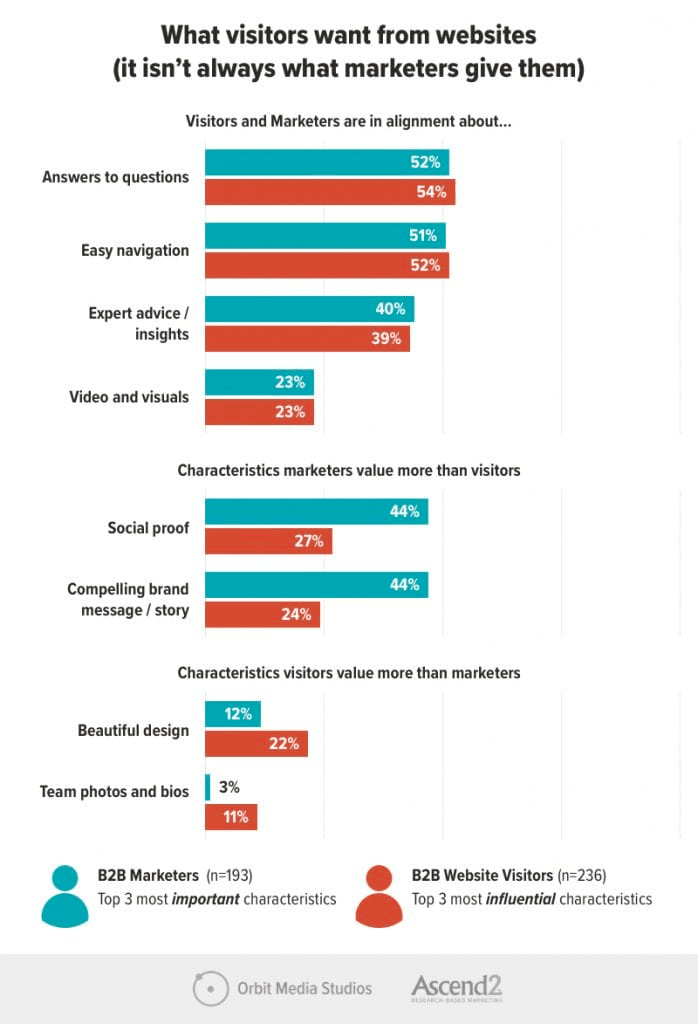
The first impressions buyers get from B2B websites determine whether or not they want to continue their journeys.
Hence, simple design practices like improving the site navigation or presenting eye-catching content can make a massive difference in a B2B website’s success.
In this article, we will discuss all-essential B2B website design best practices and examples in detail.
Top 10 B2B Web Design Best Practices
Top B2B website design practices focus on clear navigation, usability, and conversion. They also include responsive design, regular website audits, testing and refinement, strong content, and building user trust with social proof.
Here is a summary of these practices:
| # | Practice | Core Goal |
| 1 | B2B Website Design Audit | Identify what is broken before building anything new |
| 2 | Professional Tone and Appearance | Build authority and trust at first glance |
| 3 | Clear and Clutter-Free Homepage | Communicate value and direct buyers fast |
| 4 | Information Architecture and Navigation | Help users find what they need without effort |
| 5 | B2B Forms and Design Elements | Create clear paths to conversion throughout the site |
| 6 | Usability on All Devices | Deliver consistent experiences on phone, tablet, and desktop |
| 7 | Content Basics | Give buyers what they are looking for and what you need them to see |
| 8 | Build Trust into Your Design | Reduce buyer risk anxiety through visible proof |
| 9 | Use Stock Images Strategically | Avoid the credibility damage of generic photography |
| 10 | Culture of Testing and Refinement | Treat design as a continuous practice. |
1. B2B Website Design Audit
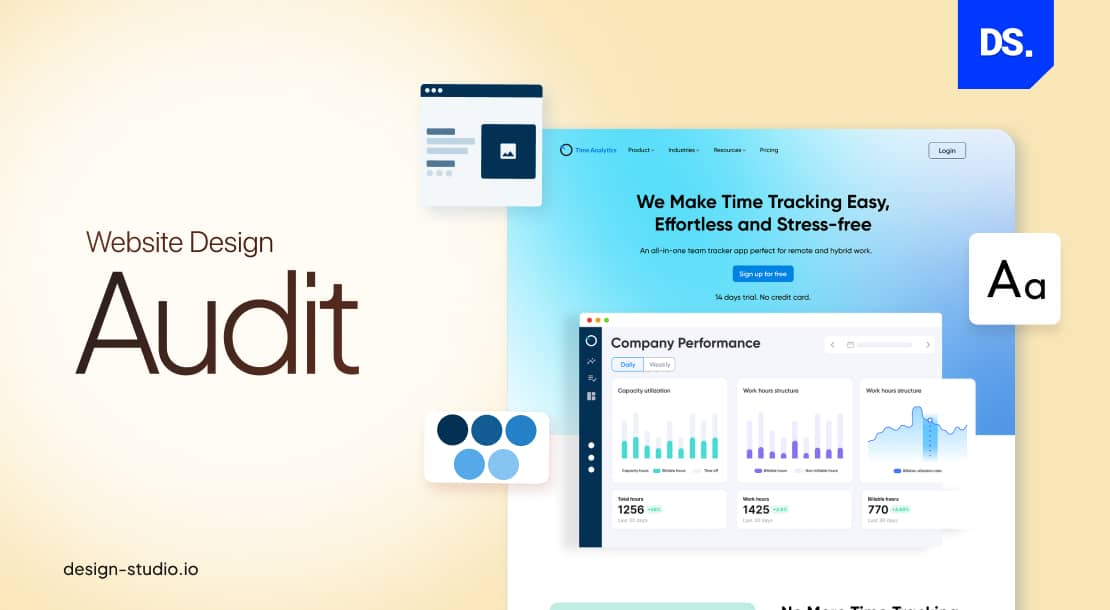
Conducting a web design audit is the first step toward improving the way people interact with your B2B website. It uses evidence and not assumptions, to show exactly where your website loses buyers.
The audit answers important questions like:
- Are there any usability issues on your site?
- What are the user engagement and satisfaction rates on each webpage?
- Which design enhancements can improve the overall perception of your brand?
- Is the visual design, layout, and navigation user-friendly?
- Is the website responsive?
If you want your B2B website to provide easier user journeys, you will have to audit your existing website. Use the results of the audit to either level up your design or to keep it on a consistent track.
But, what if you do not have an existing B2B website to work with? Then, conduct design audits on your competitors’ websites. It will help you monitor your competitors’ online strategies and identify opportunities.
We audited three B2B websites: Asana, DocuSign, and Zendesk.
Here is a chart comparing the findings of our three-stage web design audit:
| Design Quality | Asana | DocuSign | Zendesk |
| Visual Design | Clean and minimalistic design; efficient use of brand-consistent colors | Professional design; consistent, corporate-style branding | Clean design; limited yet effective use of visual elements |
| Layout | Well-organized layout; user-friendly and intuitive structure | Structured layout; very easy to navigate | Structured layout; fast-loading sections; easy to navigate |
| Navigation | User-friendly navigation menu | Logical hierarchy; easy-to-find navigation elements | Intuitive navigation; easy-to-access product pages |
| Responsiveness | Fully responsive design across all types of screens/devices; no broken links | Fully responsive design across all types of screens/devices; minimal errors | Fully responsive design across all types of screens/devices; zero broken links |
| Content | Well-structured content; efficient use of whitespace | Clear content with easy-to-read headlines; well-segmented info | The contrast between the text and background is great |
| Call-to-Action | Prominent call-to-action buttons | Call-to-action elements spread across all website segments | The contrast between call-to-action buttons and the background makes them highly visible |
| Brand Consistency | Consistent use of brand colors and branding elements | Consistent use of logos, brand messages, brand colors, etc. | Consistent use of the same color scheme |
| Accessibility | Generally accessible on all devices | Clear text hierarchy | Easy to read; great color contrast ratios |
Use this basic checklist to audit the design of your own or your competitors’ websites.
2. Adopt a Professional Tone
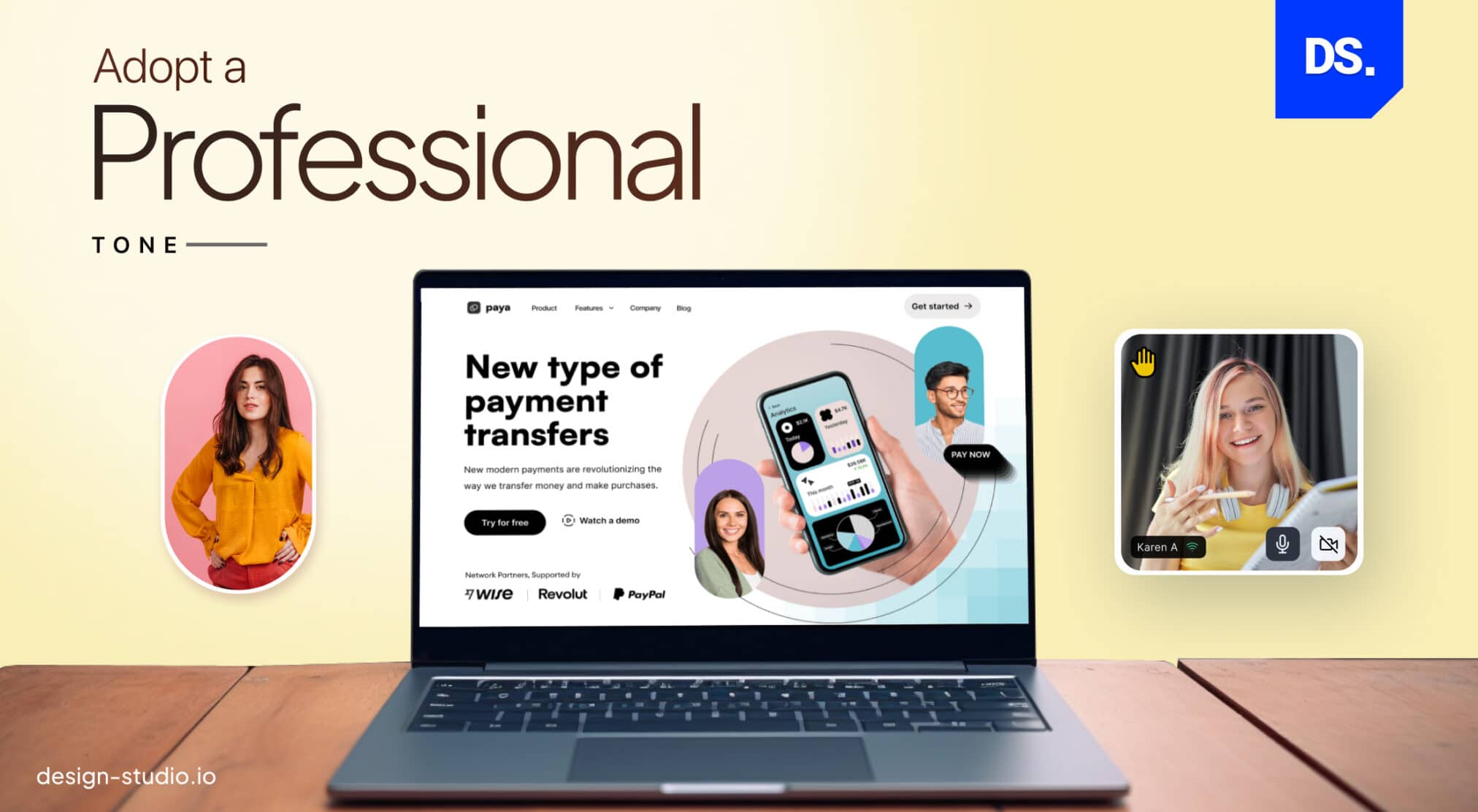
B2B websites should have a professional tone and appearance. From the moment a visitor sets eyes on your homepage, they should infer qualities like authority, expertise, and respect within the industry.
Imagine the websites of serious B2B companies like Oracle or Baymard Institute being full of meaningless design elements. Their customers would wonder whether their products were equally silly.
To ensure that does not happen with your B2B site, try out the following design practices:
- Use a professional logo of your brand on all pages of the site.
- Use high-resolution images and videos.
- Use a simple, clutter-free design that is easy to navigate.
- Use clear and easy-to-read fonts that suit your brand.
- Avoid using bright/contrasting colors; use a neutral color palette instead
- Use a professional tone of voice across all site content
Feel free to add technical language throughout your website. B2B website visitors are typically up-to-date with the latest technical specifications. While B2C websites can never get away with such industry-specific lingo, for B2B customers it is required data.
If we compare B2B vs B2C design, the content’s structure is the main differentiator; B2B content should support logical decision-making in contrast to B2C.
3. Design a Clear and Clutter-Free Home Page
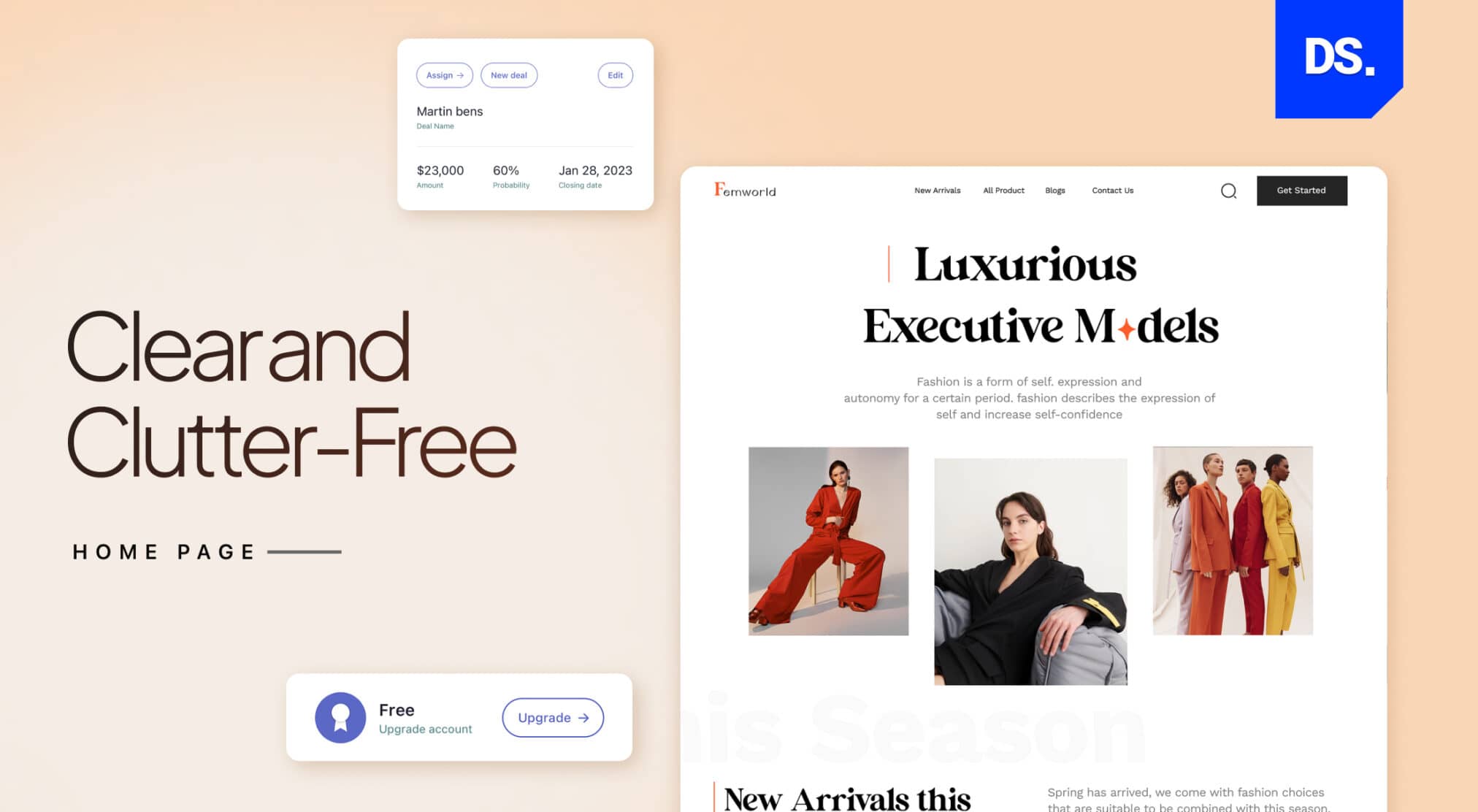
A successful B2B homepage explains its main features, target visitors and why the website is the best choice. The entire layout should guide users to the next step, and the design should convert visitors instead of just impressing them.
The homepage is generally the most-checked page on a website. When a customer arrives on your B2B website homepage, the messaging and design they see should be optimized to help them make the purchase.
The simplest way to add these qualities to your homepage is to use customer-centric messaging.
Here is an example of how you can add customer-centric messaging to your homepage:
- Explain why visitors should care by detailing your value proposition on the home page.
- Write headlines that succinctly explain what problems your products/services solve.
- Do not use brand speak or fancy buzzwords.
- Write in the second person. Use words like “you” to place visitors at the center of the steps you want them to take on the site. Here are some examples:
“YOU can control the financial future of your firm with reliable financial advisory software.”
“YOU deserve to give your customers faster shipping with next-day delivery.”
By prioritizing visitors and their objectives on your B2B website’s homepage, you can empower them to quickly achieve their goals and solve their problems.
4. Information Architecture and Navigation Design
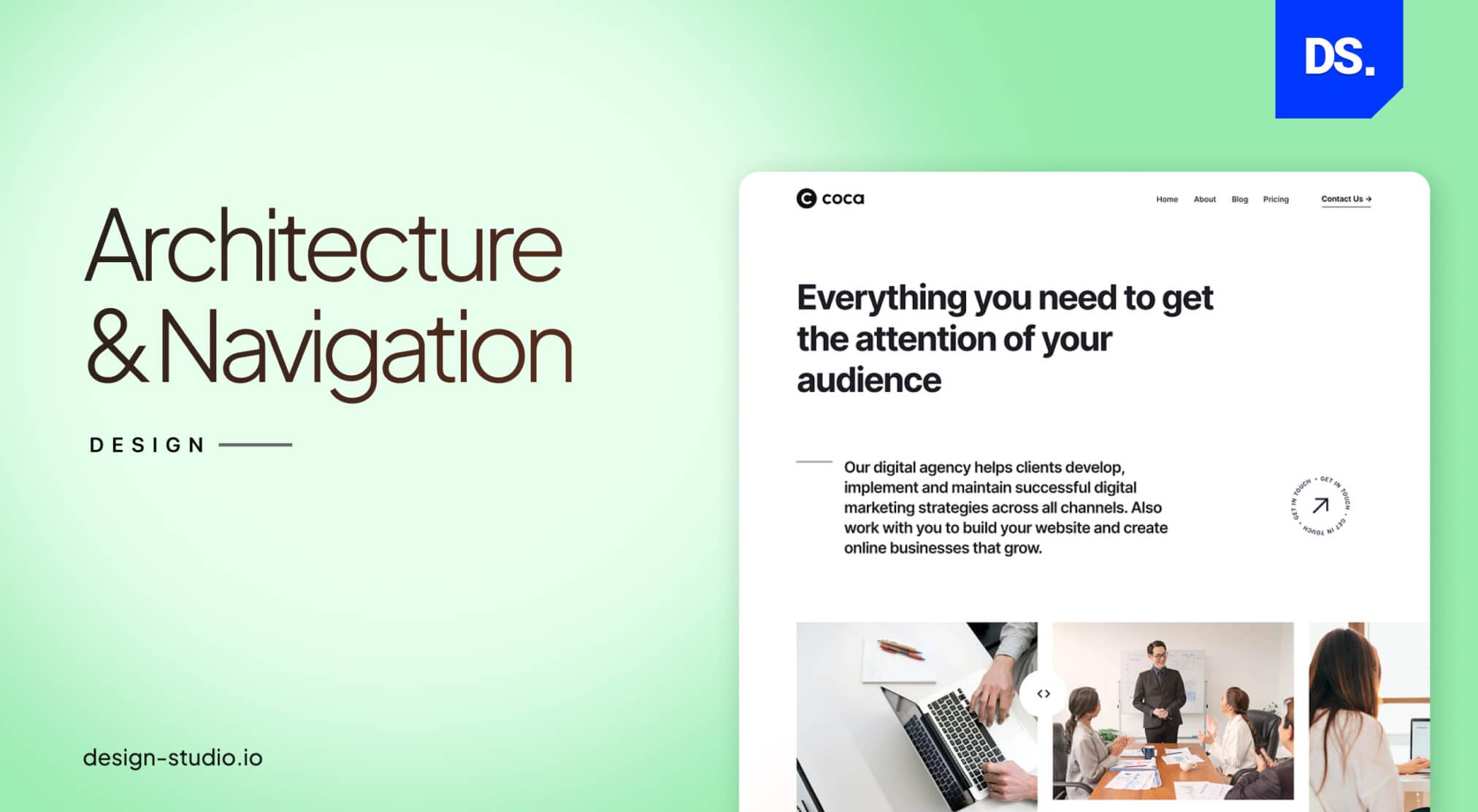
In website design, Information Architecture (IA) design is the practice of structuring info in ways that make it easier for users to find and understand. According to a N/NG research, B2B users are more task-oriented and they arrive at the site with clear goals to find what they are looking for.
Efficient IA design is the key to making a B2B website more user-friendly.
Here are some IA design tips that can help any B2B website deliver better experiences and secure more traffic:
- Understand your users and their needs before organizing your content in a logical way.
- Label all pieces of content clearly and concisely; use keywords that your target users are likely to search for.
- Navigation should be simple and consistent across the B2B website.
- A search bar should always be visible and accessible on all pages.
- Information should be well-structured and easily scannable.
- Location-related details and contact information should be easy to find.
IA design is something that should be tested with users frequently. Always collect IA-related feedback from real users to make necessary refinements.
5. B2B Forms and Elements
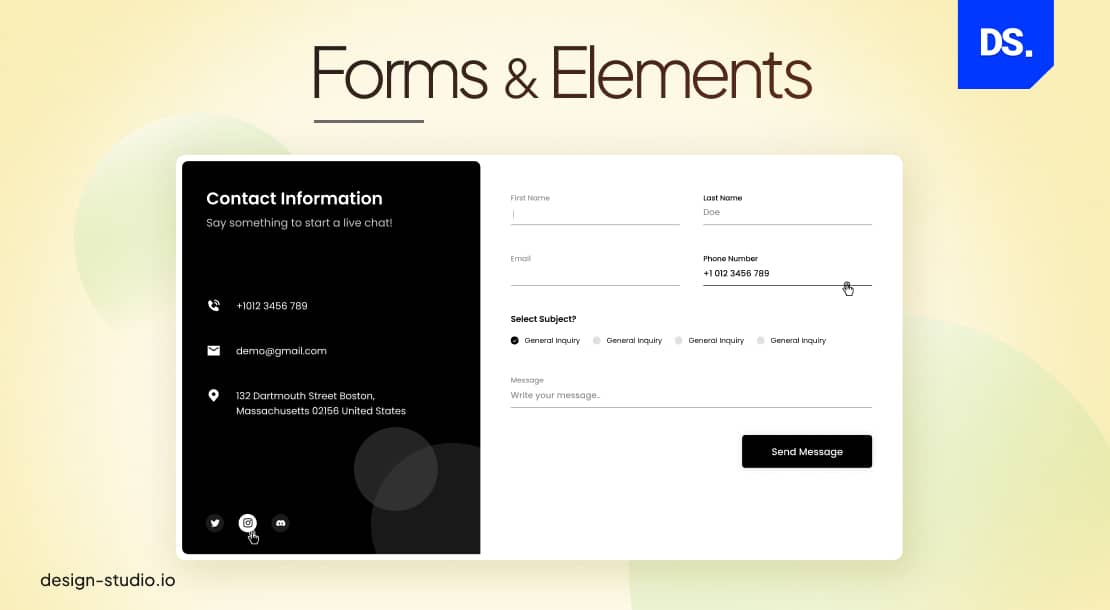
In B2B website design, the term “forms and elements” is loosely used to refer to all the different interactive and non-interactive elements that make up a site. This includes text, menu buttons, all media elements, etc. The specific forms/elements used in your B2B web design will differ based on your specific business goals.
However, most high-ranking B2B websites tend to feature the following forms and elements:
- A clear value proposition that summarizes what your B2B firm does and why it is better than the competition.
- Calls-to-action that encourage visitors to take specific actions like scheduling a consultation.
- High-quality visuals to illustrate your products/services.
- Testimonials to build credibility among visitors.
- A blog and links to your social media profiles.
- Typography should be the same throughout the site.
- Dropdown menus and menu buttons should be properly sized and easy to click; they should feature concise text-based instructions.
6. Usability on All Devices

To establish usability, make sure the site is mobile-first responsive, has simple navigation, and loads smoothly on all other devices (every screen size).
Here are some other ways to boost the usability of a B2B website:
- Install a chatbot to gather visitor data and answer user questions in real time.
- The contrast between the text and the background on each webpage should be pleasing to the eyes.
- Links should always direct users to the intended pages.
- Relevant images should be used to make certain aspects of your products/services easier to understand.
- The design should be accessible for users with disabilities
- The signup process, including all input forms, should be easy to use and ask for only relevant customer info.
- The overall website design should follow a clear set of branding guidelines.
Note that poor mobile usability hurts your search rank and B2B credibility, so audit your Core Web Vitals using Google PageSpeed Insights.
7. Content Basics
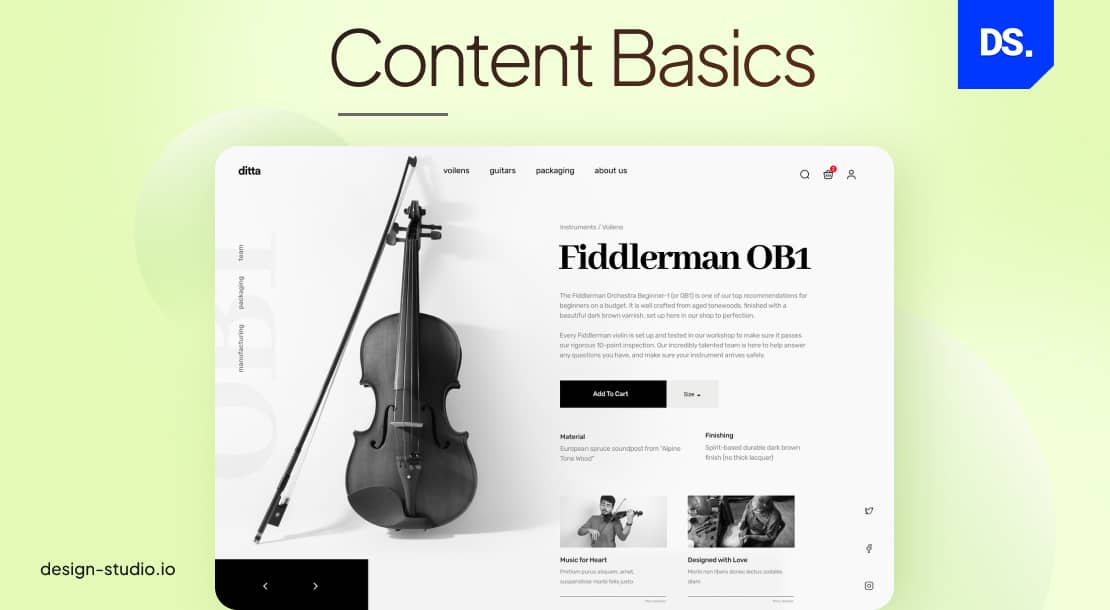
There are two types of content on most B2B websites:
- Content That Visitors are Looking For: Simple answers to basic product/service-related questions, team bios, reviews, and testimonials.
- Content That B2B Websites Want Visitors to Find: The “brand story,” answers to unasked questions, calls-to-action, whitepapers, and case studies.
A well-designed B2B website will feature both of these types of content. Of course, the first type of content, the content that visitors are looking for, should be the easiest to find.
But, after you give users access to the content they need, feel free to present all types of SEO-optimized content. Just make sure that the content is well-segmented and easy to navigate.
How Does SEO Affect B2B Website Design Decisions?
Search engines read your design choices to decide where you rank. Design and SEO must work together from day one.
- URL structure: Choose clean, descriptive URLs instead of unclear/short page urls. /services/enterprise-crm-software is better than /services/p1247
- Heading hierarchy: Always follow content hierarchy and arrange the content. Use headings such as H1,H2, and H3.
- Page speed: Test LCP, CLS, and INP using Google PageSpeed Insights.
- Internal linking: Add at least two useful internal links to related pages.
- Schema markup: Use Organization, FAQ, and Review schema where eligible.
- Mobile-first indexing: Design mobile pages with the same important content and structured data as desktop.
8. Build Trust into Your Design
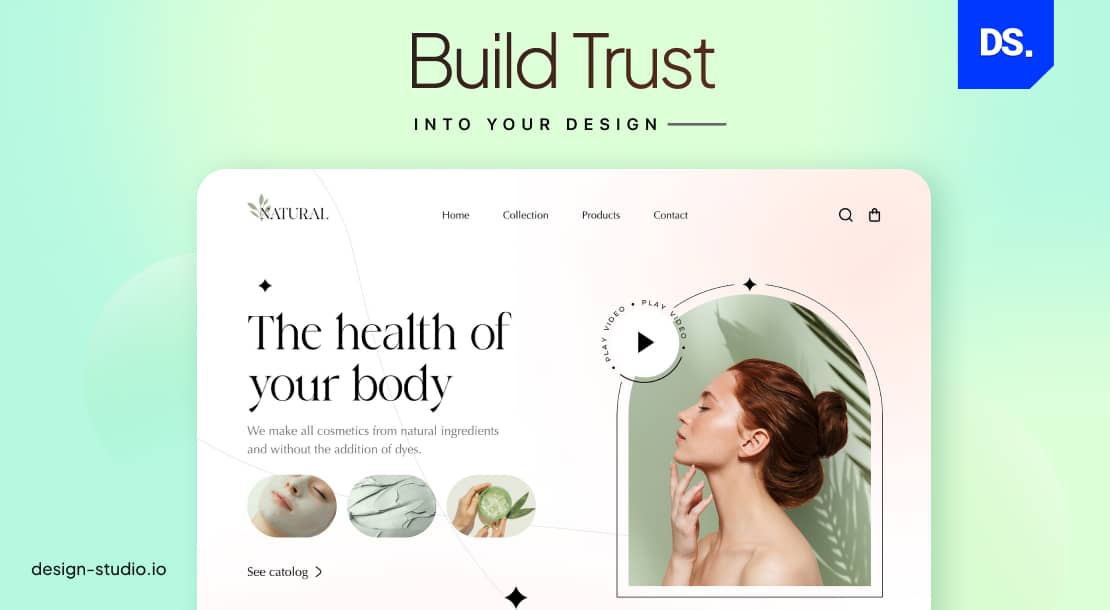
Trust converts a B2B website visitor into a qualified lead by lowering professional risk. Buyers choose your brand based on the clear trust signals. Research by Think with Google found that around 89% of B2B researchers use the web, making your site credibility the key to getting shortlisted.
For guidance on achieving this, explore our B2B website design examples to see how effective design can create a strong first impression and establish credibility.
Use testimonials and customer reviews including the real names of the firms you work with on the homepage. This type of content will improve the credibility of your website and your brand. Add reviews from product-review sites like G2, Product-Hunt, or Capterra.
At Design Studio UI/UX, we used this exact strategy to redesign the B2B website for Astrome, a deep-tech telecom brand targeting Series B funding.
The previous version of the site had key tech details hidden under the interface, making it tough for investors to see their value fast. By adding clear proof points and trust signals to the homepage, we helped them build instant credibility.
9. Use Stock Images Strategically
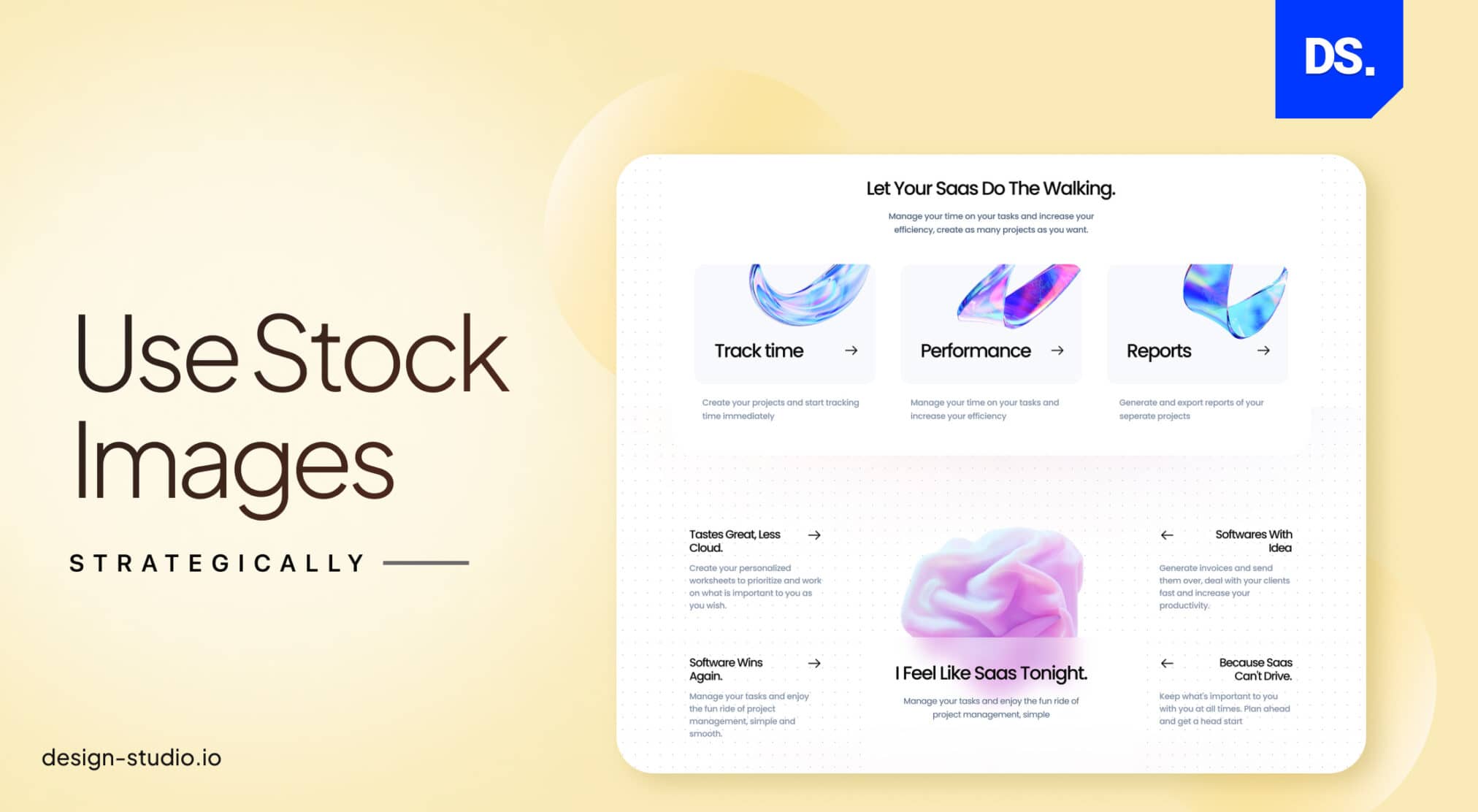
One design mistake that can be spotted in many B2B websites is the overuse of stock imagery. Yes, you can use stock images that are customized with your logo, brand colors, and other personalized elements on some sections of the site.
But, many B2B companies make the mistake of using stock photos as backgrounds for text or as solitary pieces of graphics on webpages. Such use of stock images can make your site design feel impersonal.
To avoid this, use stock images sporadically. When you do use them, make sure that they are in line with your site’s existing design style. Also, consider using custom-created graphics and art in conjunction with stock photos.
Check out our Neoxia brand identity and website design case study to see how to develop a visual identity from scratch without stock photography. We established a complete visual presence for this B2B AI firm starting from zero assets.
Every targeted visual choice helps to communicate expertise rather than generic professionalism.
10. Create a Culture of Testing and Refinement
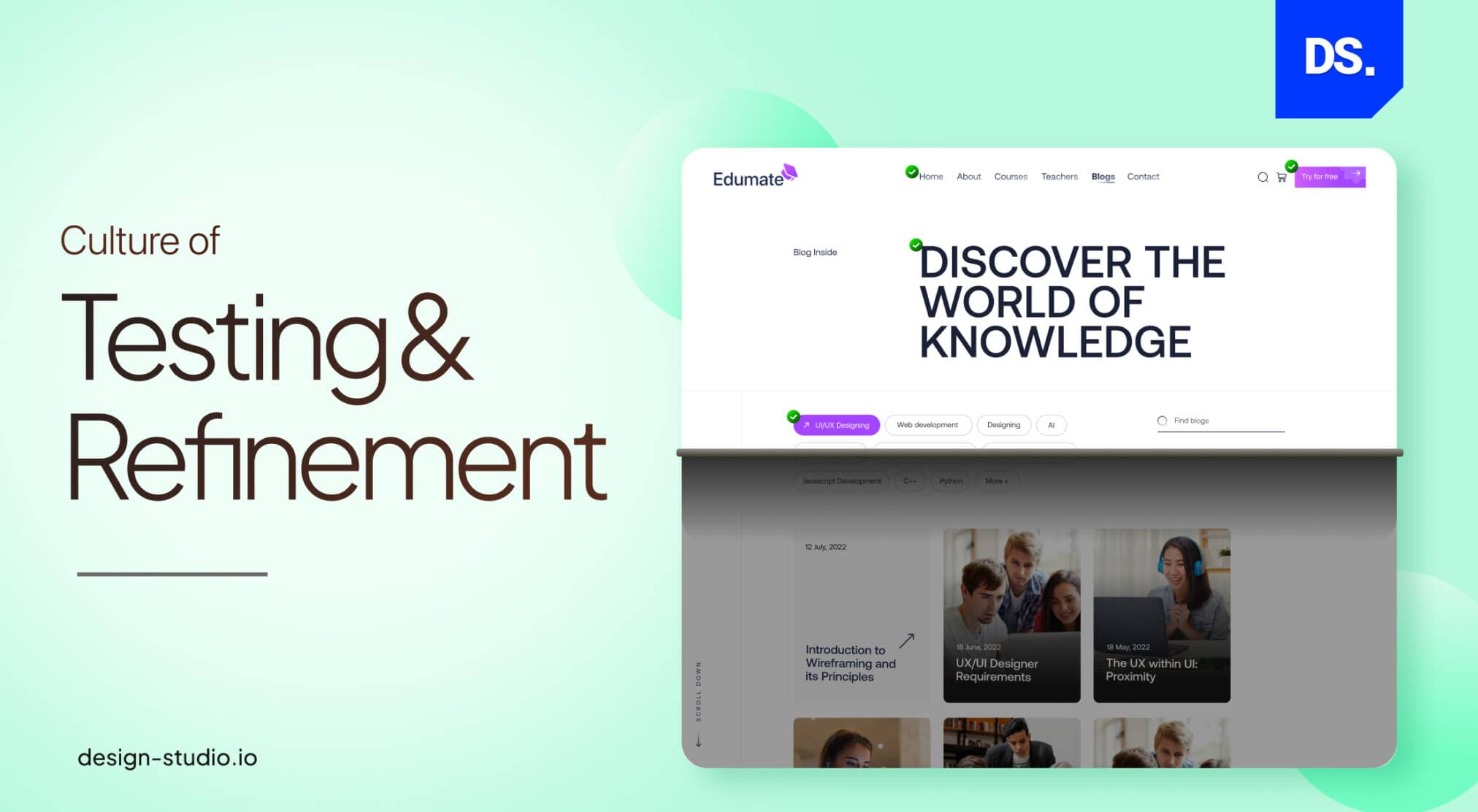
This final practice is the most important. Your B2B website design strategy should always be focused on constant refinement, which is a hallmark of successful B2B web design companies. This means testing every little design detail with real users on a regular basis.
Here is an example of some tests and adjustments that web designers should perform on their B2B sites on a regular basis:
- Weekly: Check for broken links, update website content, and test website forms.
- Monthly: Scan the website for design vulnerabilities, and optimize each design element for search engines.
- Quarterly: Review website usability, survey visitors, and make necessary changes to the website.
- Annually: Redesign website, reevaluate website testing and refinement plan.
Assign testing responsibilities to specific people. Keep surveying users for their input. Monitor site traffic patterns and improve website navigation accordingly.
Furthermore, keeping an eye on emerging B2B Web Design Trends ensures your website stays ahead in the competitive digital landscape.
According to Gartner research, B2B buyers now use around 27 separate interactions to collect all information they need before they proceed buying. A website that lacks continuous refinement will fail to satisfy buyers’ needs throughout that journey.
How Does A/B Testing Improve B2B Website Design?
The process of A/B testing helps your B2B teams compare two different versions of one design element with real traffic.
Note that continuous testing tells you when to test and A/B testing tells you what performs better.
According to VWO’s guide, a small change in the CTA button (like swapping “Learn More” for “Request a Free Demo”) can improve conversion rate by around 15 to 30 percent.
What to Test First
Start with the parts closest to conversion:
- CTA text and color,
- homepage headline,
- form length,
- where you place testimonials, and
- hero layout (text only vs. product screenshot).
Rules to Follow
Since B2B sites get less traffic compared to the B2C platforms, the timeline of the testing phase can go somewhere between 4 to 8 weeks. Rules are-
- Change one thing at a time,
- pick your success metric before you start, and
- write down what each test taught you.
With tools such as VWO or Optimizely, you can easily run tests without the help of your developer team.
B2B Website Design Examples
Top B2B websites immediately clarify value, simplify user actions, and build trust through strategic structure rather than just visual style.
Here are some examples of popular B2B websites; check them out to get a clear idea of what B2B websites look and feel like:
For more information, consult a specialized B2B Website Design Agency or experienced design strategy firms that align business goals with scalable digital experiences.
Final Take
Designing the ‘perfect’ B2B website can seem like an impossible task. A design gap is the primary reason why B2B websites struggle to generate customer leads. These 10 proven practices close that gap and create a frictionless user experience.
Also, organizations that follow proven corporate website design frameworks can significantly reduce risk and accelerate results.
To elevate your site further, consider collaborating with a user centric UI UX agency that can craft seamless experiences tailored to your business and audience.
FAQs
What are the core B2B website design best practices that drive conversions?

A high-converting website will explain what it is all about, within the first 5 seconds, leaving no scope of ambiguity. It should have a simple navigation, a well-established visual hierarchy, optimized forms, and a fast-loading responsive UX.
How to improve conversion rate of a B2B website?
Improve B2B website conversion rates by adding a clear CTA button above the fold using specific client testimonials. Also, try to reduce extra form fields, and build dedicated persona landing pages. Consistent A/B testing can raise average 1 to 3% conversion rates to more than 5%.
What role do clear CTAs play in B2B website design?
CTAs play a vital role in B2B web design, without them, users won’t have the essential instructions. These action-based buttons can reduce decision fatigue, improve the volume of qualified leads, conversion rate, and align the sales KPIs.
What UX design principles influence B2B website’s engagement rate?
If a business wants to improve its website’s engagement, it should conduct a UX audit first. The audit will reveal the issues with visual design, layout, navigation, content, and speed, all of which plays an influential role in B2B conversion.
What are the key navigation principles for B2B websites?
Effective B2B navigation follows a logical hierarchy by organizing menus by industry/product/ solution type, utilizing sticky navigation with breadcrumbs, and placing strategic CTAs.
Which content strategy should a B2B website follow?
To attract an audience in the awareness stage, a website should focus on blog articles, industry insights, reports, and educational guides. Case studies, whitepapers, comparison pages, product explainers, and webinars help are necessary to gain topical authority. The third stage is conversion, and mainly involves ROI calculators, pricing pages, testimonials, and FAQs help in this regard.
How do mobile responsiveness and site speed impact B2B websites?
Poor UX, slow websites, and unresponsiveness have a negative impact on B2B website conversion, reducing its dwell time, performance, form completion time, and SEO score.
What are the B2B website design issues?
Major B2B design problems include assumption based designing, mismatched headings, endless menu items or unclear labeling and poor mobile optimization. Also slow site speed, adding too much or too little web page content, generic CTAs, and absence of credibility result in friction and frustrate users.
How much does a B2B website design cost?
B2B website design costs generally range from $5,000 for basic template sites to over $30,000 for custom-designed platforms with UX research. On the other hand, designing a complex enterprise website with advanced CMS integrations can cost beyond $100,000.
What pages does a B2B website need?
Important pages that every B2B website should have are – Homepage, Services/Products, About Us, Case Studies, Blog section, and Contact/Demo page. Most B2B sites include Pricing Page, while Return/Refund policies and compliance documentation are integrated on ecommerce platforms.


